Why Your Menu Board Is Always Out of Date — and How Budy TV Fixes It
Chalkboards go stale, slide decks live on a USB stick, and sold-out items stay on the wall. Budy TV turns any screen into a live view of your POS catalogue.

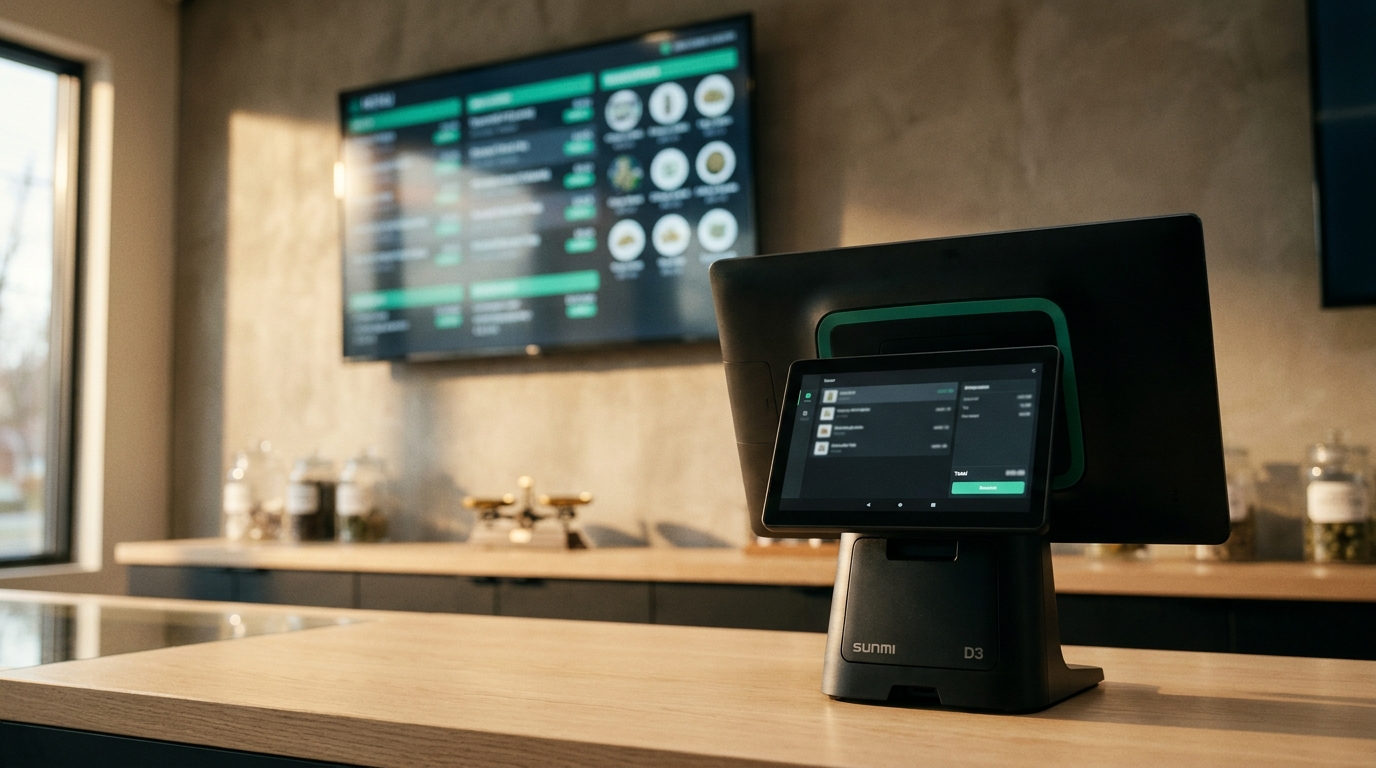
Walk into any dispensary or specialty coffee bar and look at the menu on the wall. Then walk to the counter and look at the POS. There’s a decent chance the two disagree.
Not dramatically. A price that went up last Tuesday. A strain that sold out at 3pm and is still hanging there in nice big letters. A weight tier you stopped offering a month ago. Small things — except every one of them is a promise your shop just broke in front of a paying customer.
The menu board isn’t decoration. For most walk-in customers it is the shop: the first thing they read, the thing they decide from, and the thing they’ll hold you to at the till. And in almost every shop we’ve worked with, it’s maintained entirely by hand.
The menu tax nobody budgets for
Here’s what changing one price actually costs today, depending on how your board is built.
Chalk or a printed sheet. Someone stays late. Someone finds the pen. Someone rewrites the column so the spacing still works. If you have two rooms, do it twice.
A slide deck on a USB stick. Open the file on a laptop. Edit. Export. Copy to the stick. Walk to the TV, find the remote, pull up the media player, reload. Discover the TV cached the old file. Do it again.
Third-party digital signage. Log into a separate portal with a separate password. Find the product. Retype the name, the price, the description — data that already exists, correctly, in your POS. Publish. Wait for the screen to poll. Now maintain that second copy of your catalogue forever.
Every one of these has the same defect: the menu is a picture of your catalogue, not your catalogue. It’s a copy, and copies drift. The moment you make one, the clock starts on it being wrong.
So the rational thing happens. Staff batch it up. Prices get changed on the POS immediately — because that’s what customers actually get charged — and the wall gets updated “when there’s a quiet moment.” Which, on a good day, there isn’t.
The sold-out problem is the expensive one
Stale prices are annoying. Stale availability costs you money and goodwill in the same thirty seconds.
Picture the sequence. A customer reads the board, picks the thing that caught their eye, waits their turn, and asks for it. Your staff member checks — gone. Sold out mid-shift. Now that person has to do the hardest job in retail: tell someone the thing they already decided on doesn’t exist, and try to move them to something else, while a queue watches.
That’s a conversation that shouldn’t happen. The information needed to prevent it was in the POS the instant the last unit sold.
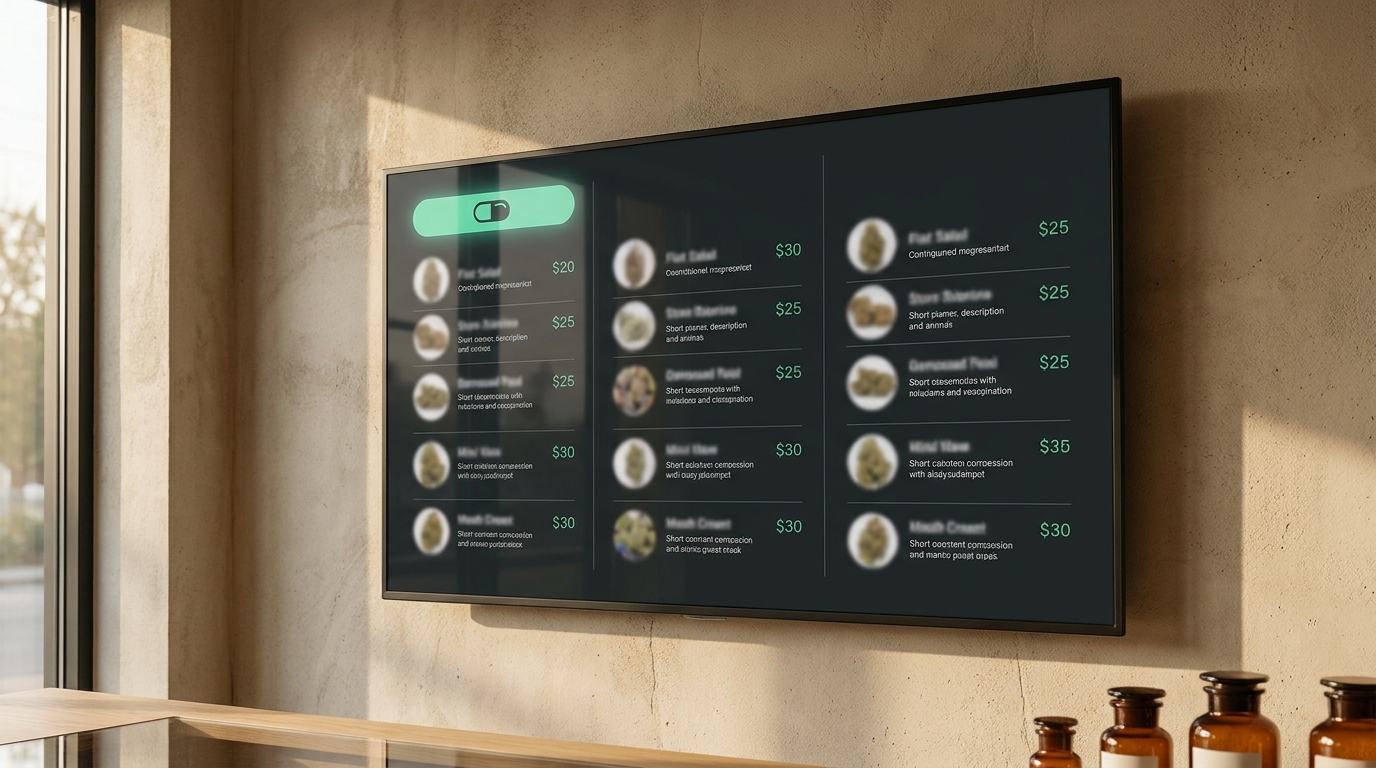
With Budy TV, the board is availability-driven. When an item is out of stock, it comes off the board on its own — no one has to notice, no one has to walk over, no one has to remember. The customer never forms the attachment in the first place, because they never see it. What’s on the wall is what you can actually hand them.
This is the whole idea, stated plainly: the board is your live catalogue, not a screenshot of it. Change a price on the POS and the wall updates before the customer reaches the counter. Rename a product, swap its photo, adjust a weight tier — the screens follow, because they’re reading the same data the till is.
What a live board actually shows
For a dispensary, the interesting part is that weight-tier pricing comes straight off your price lists — 1 g, 3.5 g, 7 g, rendered as a proper price ladder rather than three lines someone typed by hand and will forget to update together. Strain names, potency and effect profiles come from the same product data the POS sells with.
For a coffee bar or specialty retailer, the same mechanic does quieter work. The single origin that ran out on Saturday doesn’t sit on the wall until Monday. The seasonal price change goes in once, at the POS, and it’s on the wall. The new arrival appears on the board the moment you finish adding it — because adding it is publishing it.
The masthead — your shop name, a custom line of text, or your logo — is set from the POS too. Everything about the screen is configured from the counter, because the counter is where staff already are.
Between orders, the screen should be selling
A menu board that only lists things is doing half a job. Most of the time your screen is being watched by someone who is queuing, waiting for a bag to be filled, or deciding.
So between orders Budy TV rotates: product spotlights with potency and effect profiles, current offers, and your own full-screen promo images if you’d rather run a campaign than a catalogue. Rotation, timing and the masthead are all managed from the POS. It’s the same product data — just given room to breathe for fifteen seconds at a time instead of being one row in a list.
The live cart: let them watch the order build
The third mode is the one people don’t expect, and it’s the one staff end up liking most.
When a sale is in progress, the TV can mirror it. Every line lands on the big screen as it’s rung up — item, quantity, price, running total. During by-weight sales the grams tick live on the screen as the flower goes on the scale, with the per-gram math updating alongside. When the sale closes, the screen shows the order-confirmed moment and returns to rotation.
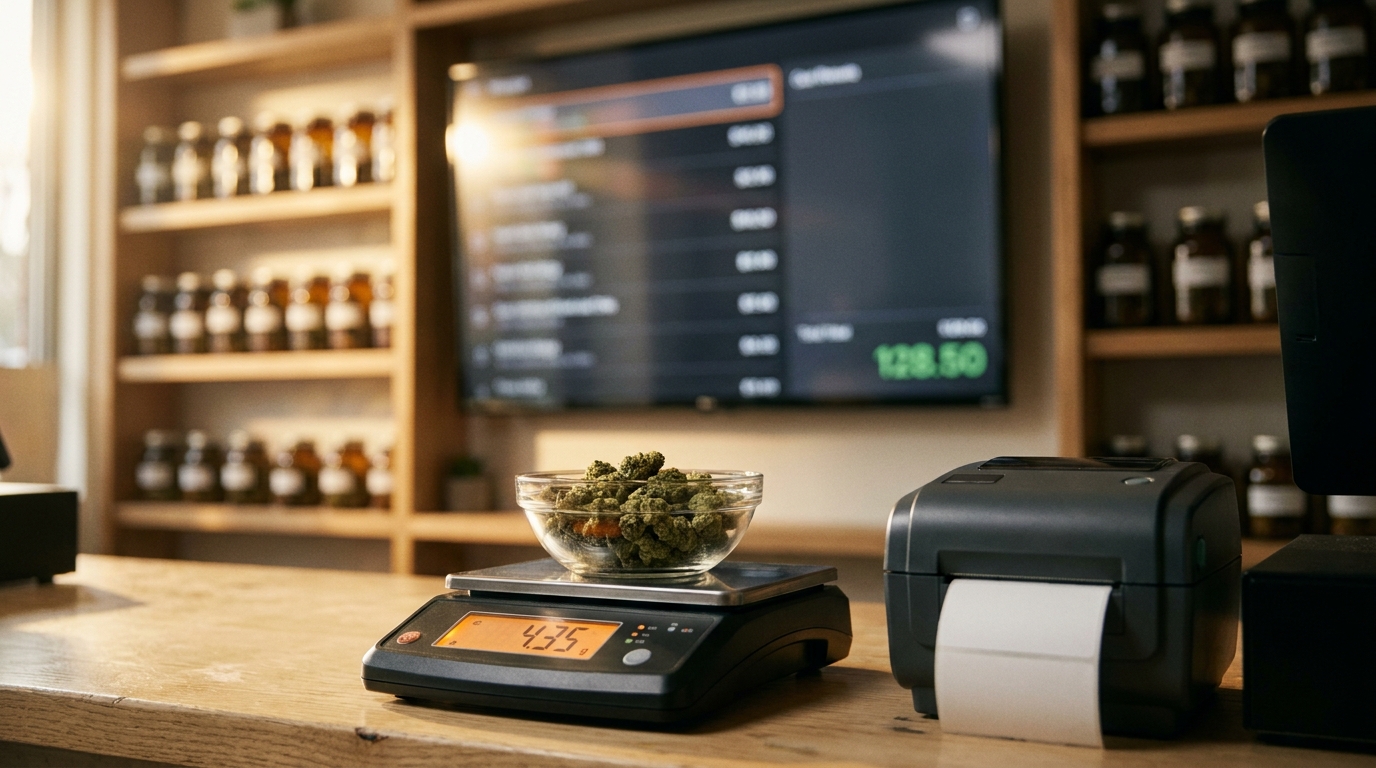
That last part matters more than it sounds. By-weight retail has a trust problem baked in: the customer can’t see the scale properly, can’t do per-gram math in their head, and finds out the total at the end. Putting the weigh-in and the running total on a screen they can actually see removes the surprise — and removes the small, corrosive suspicion that comes with it. Fewer disputes at the till. Fewer “wait, how much?” conversations. If you’re already running a Bluetooth scale and label printer at the counter, this is the customer-facing half of that workflow.
Setup is a six-digit code
The reason most shops don’t have live menu boards isn’t that they don’t want them. It’s that every previous version of this involved a media player, an HDMI run to the counter, a signage subscription, and someone technical.
Budy TV is three steps:
- Install the app. It’s a free companion app on Google Play. Put it on an Android TV, a Google TV box, or a spare Android tablet.
- Enter the six-digit code. The TV shows a code. Type it on your POS under Settings → Displays. There’s no account to create on the TV, and no password to type with a remote control.
- The screen goes live. It pulls your catalogue and starts broadcasting — menus, spotlights, and the live cart, in sync with the counter.
No cables to the counter. No media player. No USB stick with a PowerPoint on it. If you run several screens, each one is named, configured and locked from the POS, so a two-room shop is managed from the same place a one-screen shop is.
What happens when the internet drops
This is the question every operator asks second, and it’s the right question. A menu board that goes black during an outage is worse than a chalkboard, because a chalkboard has never once gone black.
Budy TV keeps playing. Each screen holds a cached snapshot of your branding, products and offers, so an outage — or a reboot, or a sleep/wake cycle — doesn’t mean a blank wall in front of your customers. It keeps showing the last good version of your menu and picks the live data back up when the connection returns.
That’s the same principle the rest of Budy runs on: the POS is offline-first by design, and the screens inherit it. Your shop doesn’t stop selling because your ISP had a bad afternoon, so your menu shouldn’t stop either.
How the options actually compare
| Capability | Hand-maintained board | Budy TV |
|---|---|---|
| Price change reaches the wall on its own | ✗ | ✓ |
| Sold-out items drop off automatically | ✗ | ✓ |
| Weight tiers from your price lists | Manual | ✓ |
| One catalogue, not two | ✗ | ✓ |
| Live order and weigh readout for customers | ✗ | ✓ |
| Keeps playing through an outage | Varies | ✓ |
| Updates without anyone walking over to the TV | ✗ | ✓ |
“Hand-maintained” covers the chalkboard and the slide deck — but it also covers third-party signage portals, and that surprises people. A signage product can have a beautiful editor and still sit on the wrong side of this table, because it holds a second copy of your catalogue. The row doing the real work is “one catalogue, not two.” Everything else follows from it. Any system holding a duplicate of your product data will drift from the till, no matter how good its editor is, because keeping two lists identical by hand is a job nobody has time for at 4pm on a Saturday.
The short version
Your TVs are already on the wall. They’re already on. In most shops they’re showing a menu that was accurate at some point last week.
Budy TV makes those screens part of the POS instead of a separate thing to maintain: a menu board that’s a live view of your catalogue, product spotlights and promos between orders, and a customer-facing live cart with a real-time weigh readout during by-weight sales. It pairs with a six-digit code, runs on hardware you probably already own, keeps playing when the internet doesn’t, and it’s free alongside Budy POS.
The test is simple. Change a price on your POS right now and time how long until the wall agrees. If the answer is “whenever someone gets around to it,” you’re paying the menu tax every single day.
You can see the screens in action on the Budy TV feature page, or read how the underlying inventory system decides what counts as in stock in the first place. If you’d like to see it running on your own shelves, get in touch — pairing your first screen takes about a minute.