Cannabis POS Scale Integration: Bluetooth Scales and Label Printers
How a cannabis POS with scale integration and thermal label printing turns weighing, labelling, and ringing up into one five-second workflow.

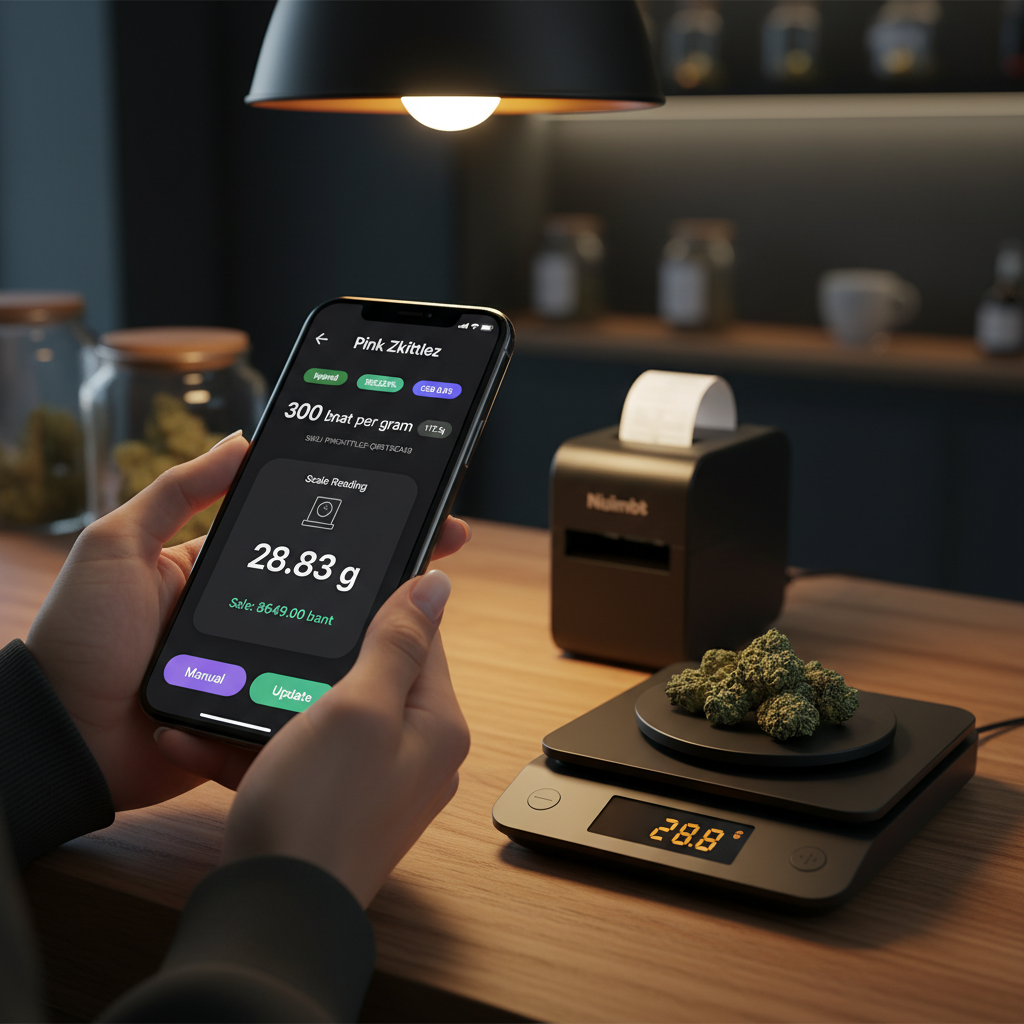
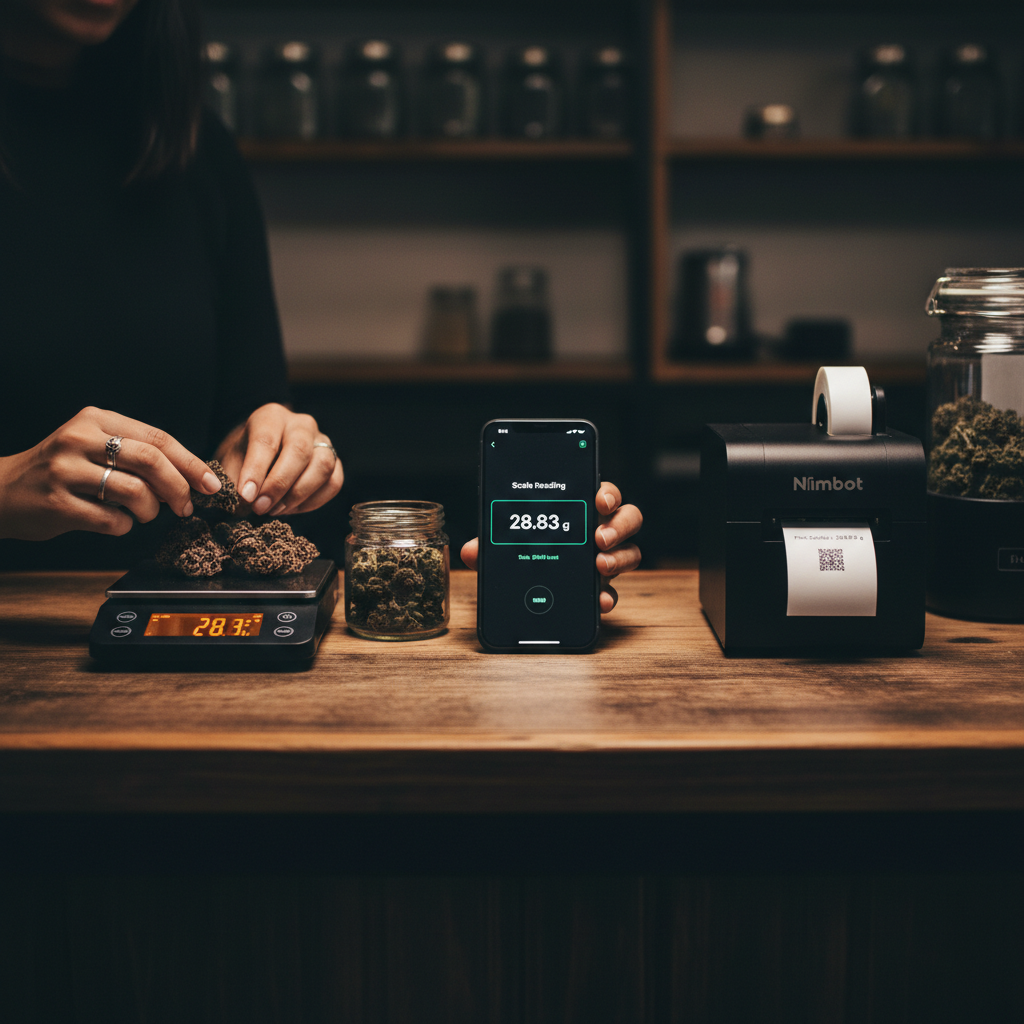
The budtender rests a jar on the scale. Cannabis flower goes onto the platform, one bud at a time, until the screen reads 28.83 g. Their phone — running the POS — already shows that number and has already calculated the sale at 8,649 baht. They tap Update. Two seconds later the Niimbot prints a small label: strain, weight, price, barcode. They peel it onto the jar, hand it across the counter, and ring it up.
Start to finish: under five seconds. No typing. No calculator. No paper tag re-checked against the scale.
That’s what we mean when we say Budy treats hardware as part of the product, not an accessory.
Why hardware integration is the boring thing that actually matters
Every specialty store — dispensaries, coffee bars, spice shops, tea houses — has the same structural problem. The product you sell is measured, not counted. A gram of flower is not a t-shirt. A 18.0 g espresso dose is not a bag of chips.
When the measurement lives on one device and the sale lives on another, three things happen, every day:
- Transcription errors. Someone reads 28.83 from the scale and types 2.883 into the POS. Or 28.3. Or they round because the scale drifted and nobody noticed. The price is wrong. The inventory is wrong.
- Speed loss. Weighing, reading, typing, printing a paper tag, sticking it on the jar — it’s 20 to 30 seconds of shuffling per item. Multiply by a Friday evening queue.
- Compliance risk. In jurisdictions where dispensaries are required to report weighed amounts precisely, manual entry is the single largest source of audit failures. Nobody sets out to weigh wrong. It just happens under pressure.
Budy solves all three by making the scale, the POS, and the printer act like one thing.
How it actually works
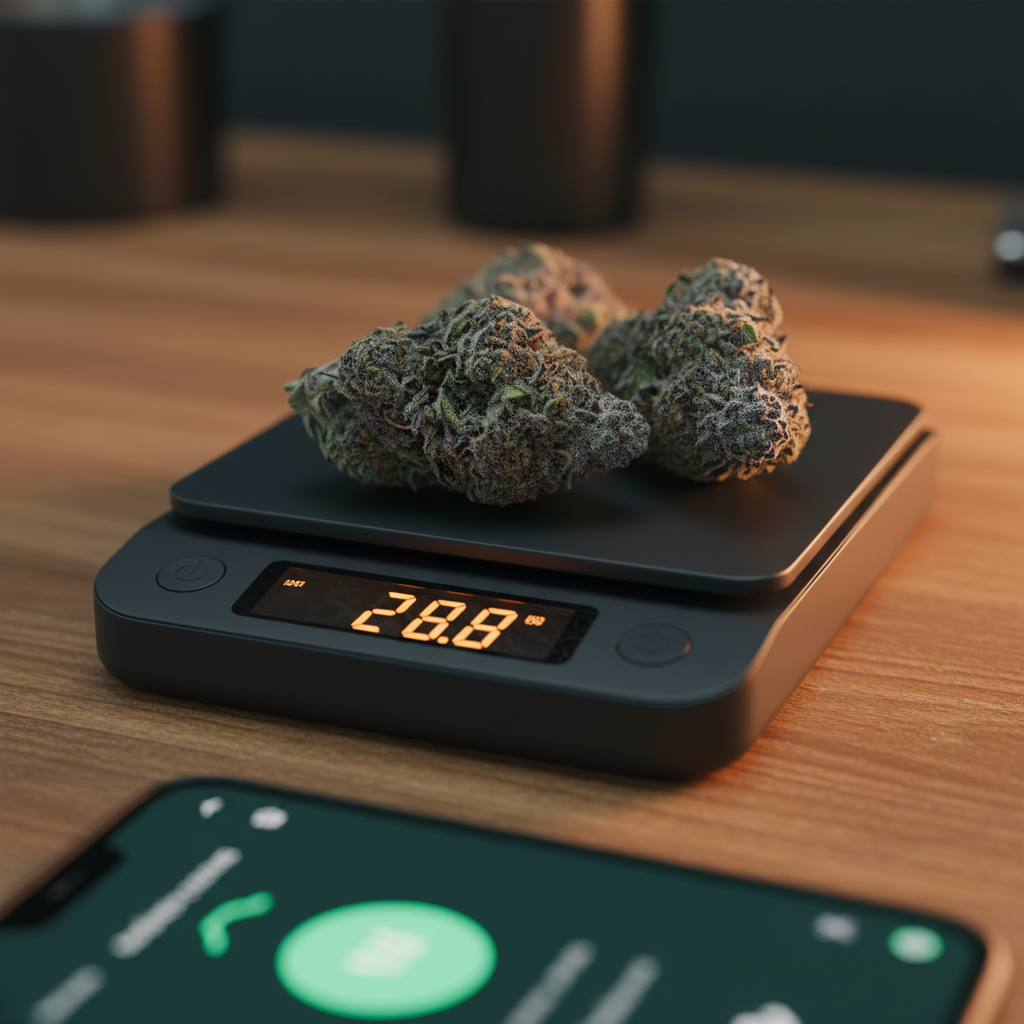
When a budtender opens a product that’s priced by weight — flower, concentrate, loose tea, coffee beans, anything — the POS opens a Scale Reading panel on the product screen. If a paired Bluetooth scale is in range, the panel starts streaming grams in real time.
Under the hood:
- Bluetooth Low Energy connection between the scale and the device running the POS.
- Offline-first. The scale talks directly to the device. No internet required. If the shop’s Wi-Fi drops, the workflow keeps working exactly the same.
- A thin driver layer abstracts the specific scale model. Acaia Lunar, Acaia Pearl, Acaia Pyxis — the app talks to all of them through one interface, so swapping hardware doesn’t change the workflow.
- Live pricing. As the weight changes, the line total recalculates from the strain’s per-gram rate. Tare, add flower, see the price climb. Remove a gram, watch it drop.
- One tap to commit. The budtender taps Update and the reading snapshots into the line item. The scale now streams the next weigh-out.
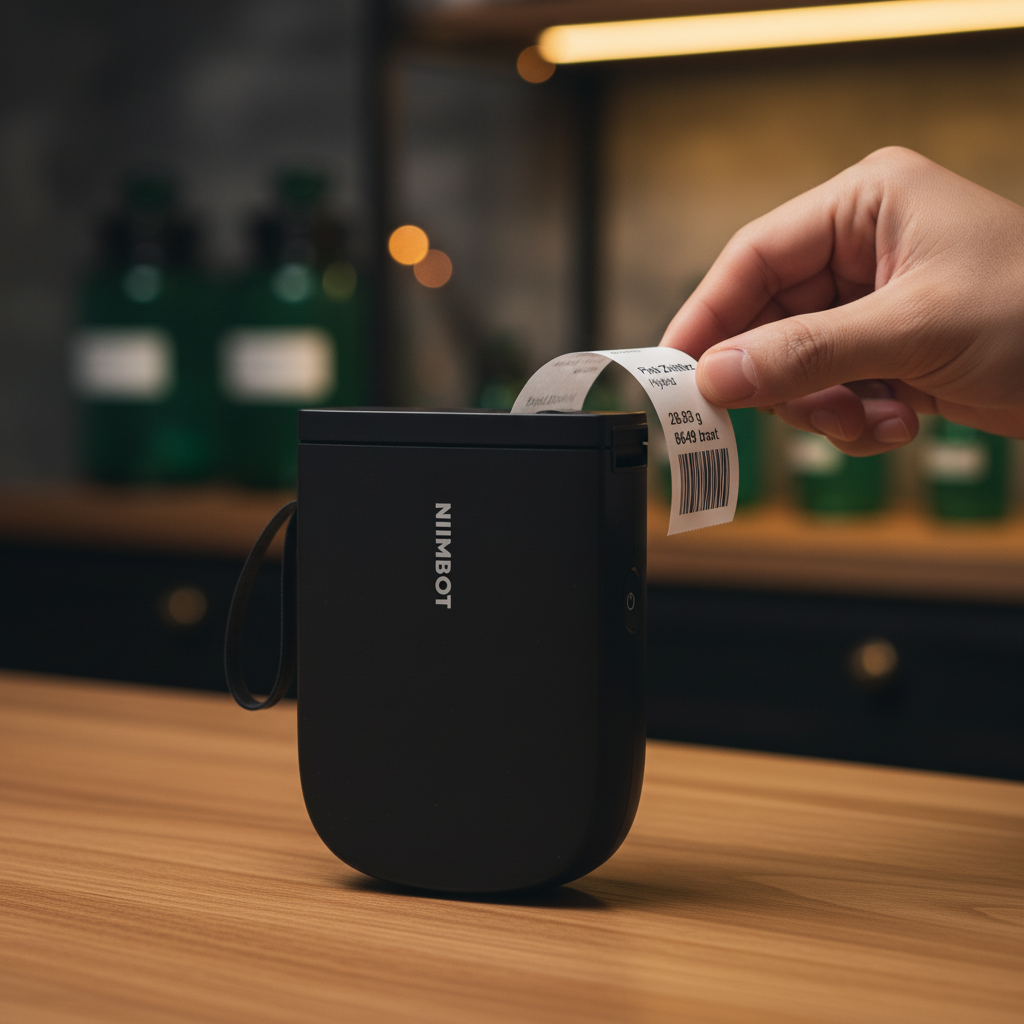
The printer works the same way. Once the sale is ready, one action prints a compliance-ready label on the Niimbot — strain name, category, weight in grams, price, SKU barcode. No template to rebuild per product. The layout is defined once and populated per sale.
The scales we support
Bluetooth precision scales were never designed for POS. They were designed for baristas and lab technicians. That’s good for us — it means the hardware is already built to be accurate, fast, and bad-lighting-friendly. We just had to make the POS listen properly.
Supported hardware today:
- Acaia Pearl — the workhorse. Flat profile, 0.1 g resolution, excellent Bluetooth range. The default choice for dispensary flower weigh-outs.
- Acaia Lunar — waterproof, smaller footprint. Popular in cafés where espresso dose and yield tracking are part of every shot.
- Acaia Pyxis — portable, battery-efficient. Good for pop-ups, delivery drivers, and second stations where a corded scale would be in the way.
All three support the same Budy workflow: pair once in Settings → Devices, and the POS recognises them for every subsequent session. If the scale goes to sleep, waking it up resumes the stream within two seconds.
What these scales are actually great at, in our experience:
- Flower weigh-outs. The budtender scoops, the price climbs, the customer sees it. Trust goes up when the number on the scale matches the number on the POS and neither one was typed.
- Concentrate portioning. Small quantities where a 0.1 g slip is a real margin hit. A stable reading and a single tap to lock the value removes the fumble.
- Dose-in and dose-out for espresso. A coffee shop using Budy can run the same scale under the portafilter and the same flow on the POS — a 18.0 g dose and a 36.0 g shot yield, both logged against the ticket.
- Pour-over ratios. Water grams and coffee grams, recorded as part of the order, useful for consistency training and for letting the customer order “the same as last time.”
The label printers we support
Thermal Bluetooth label printers have quietly become very good and very cheap. The Niimbot family is our default because the hardware is reliable, the paper is easy to source, and the app integration is simple enough that a label prints in about two seconds from tap to peel.
Supported today:
- Niimbot B1 — 50 × 30 mm labels, compact, battery-powered. The most common choice for flower jars and packaged products.
- Niimbot B21 — same label range with a slightly larger paper tray. Good for high-volume back-of-house.
- Niimbot D110 — 40 × 30 mm labels. Smaller footprint, fits next to a POS tablet without crowding the counter.
Labels include, by default: product or strain name, category chips (Hybrid, Sativa, Indica), weight, price, and a SKU barcode. The barcode is readable by every scanner we support, so the same label that goes on the jar is also the one that rings up at checkout if the item comes back for a return or exchange.
Templates are editable. If a jurisdiction requires a batch number or a warning label, add the field once and it prints on every label from then on.
Scanners and the SKU loop
Once items are labeled, scanning them back in becomes its own quiet efficiency.
Budy works with:
- SUNMI integrated scanners on SUNMI Android POS hardware — no pairing, no cables. You wake the device and the scanner is already there.
- Any USB or Bluetooth HID scanner. If the OS sees it as a keyboard wedge (which almost every cheap scanner does), Budy sees it too. That means you can pick up a 40-dollar scanner and it works.
The SKU loop matters because it closes the inventory side of the workflow. A scanned SKU on a return call pulls up the original line item with its original weight. An inventory receipt scan bumps the stock level without anybody typing a number. The same barcode that printed on the jar is the one that decrements the stock in grams when you sell it.
The end-to-end picture
The full workflow, for one weighed sale:
- Budtender opens the product on the POS. The Scale Reading panel wakes up.
- They tare the jar, scoop flower onto it, watch the weight climb.
- At the target weight, they tap Update. The POS snapshots 28.83 g and calculates 8,649 baht.
- They tap Print Label. The Niimbot prints; they peel and stick.
- The customer pays. Stock decrements in grams. The transaction syncs to every other device on the local network the moment connectivity is available.
No typing between steps. No second screen. No whiteboard with per-gram rates written in marker.
Manual versus integrated: where the seconds go
| Manual workflow | Budy integrated | |
|---|---|---|
| Weigh-out time per item | ~20–30s | ~5s |
| Transcription errors | Common | None |
| Inventory accuracy | Drifts | Exact, in grams |
| Compliance audit risk | High | Low |
| Customer wait time on a busy night | Painful | Short |
| Retraining cost for a new hire | Hours | Minutes |
Nothing about the manual workflow is unfixable. Any shop can eventually get good at it. The point is that integrated hardware removes the category of problem entirely — you’re not being careful about transcription, because there is no transcription.
Not just cannabis: coffee bars run the same loop
A lot of the hardware story here started with cannabis, but the workflow is identical in a coffee shop. A barista pulling a shot wants the dose-in on the scale and the dose-out on the scale to land on the ticket without a pen and paper.
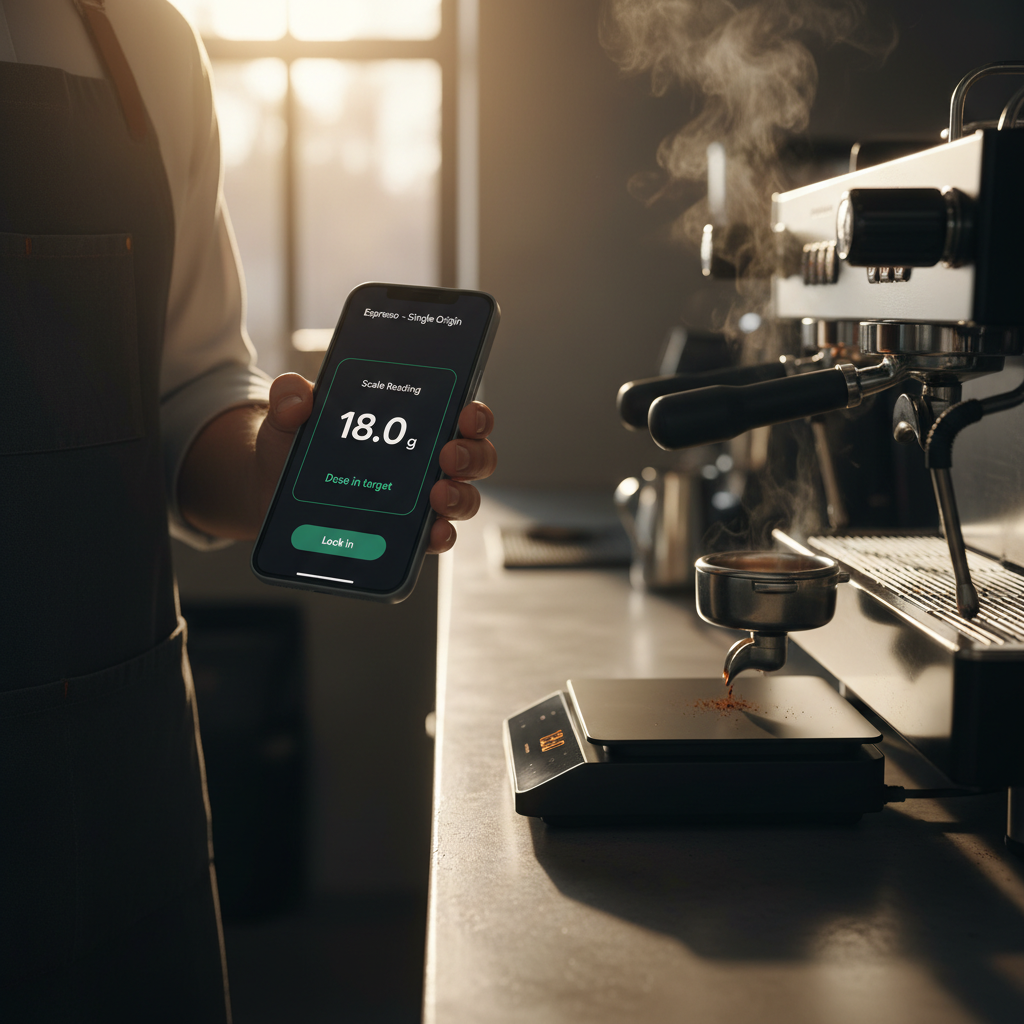
If the same store sells beans by weight on a retail shelf, the exact same scale doubles for that. One piece of hardware, two workflows, one POS.
Getting started
Pairing is deliberately boring:
- Open Settings → Devices on the POS.
- Turn on the scale. It shows up in the scan list within a few seconds.
- Tap it to pair. No installer, no driver download, no configuration profile.
- Same flow for the Niimbot printer.
Once paired, the device remembers. A cold start of the POS app reconnects to the last-known scale and printer automatically.
If the team swaps a scale between stations during a shift, the next POS to see it takes it — no re-pairing needed as long as the device is on the same tenant.
The point
Hardware integration is the least glamorous feature in a POS. It’s also the one that, on a Friday night at 7pm, determines whether your queue moves or whether three people are waiting while someone hunts for a working calculator.
Budy handles the scale, the printer, and the scanner as part of the checkout flow, not as things bolted on. The weight on the scale is the weight on the screen is the weight on the label. The SKU that prints is the SKU that scans. The time between placing flower on the platform and handing a jar across the counter is measured in seconds.
If you run a dispensary or a coffee bar and you want to see this in person, get in touch. The Bluetooth scale integration page and the hardware catalogue have more detail on the models we support and what’s on the roadmap next. For the bigger picture on how weighed grams flow into inventory, see our guide to cannabis inventory management systems.