The Best Cannabis POS Software in 2026: What to Look For
A buyer's guide to cannabis POS software in 2026. The ten criteria that separate a real dispensary POS from a generic cash register.

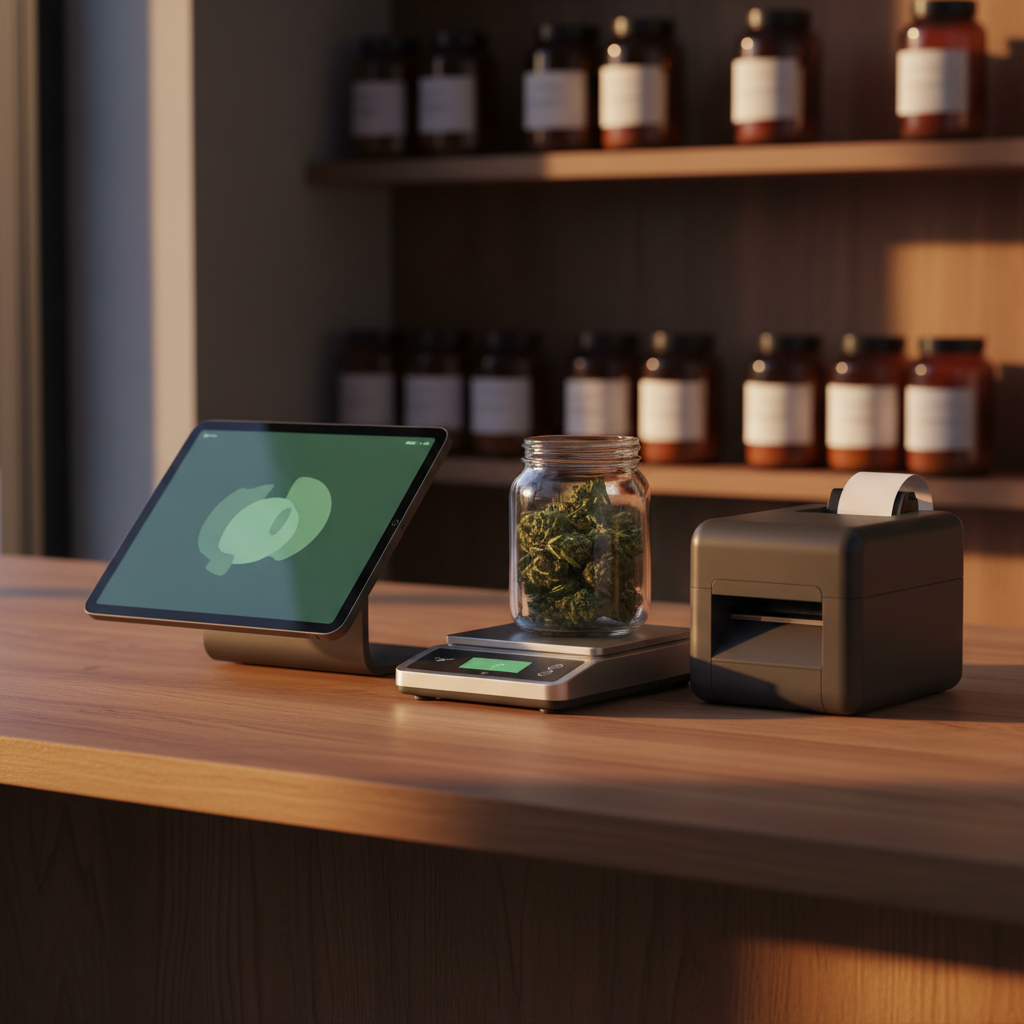
If you’re shopping for cannabis POS software in 2026, the market looks nothing like it did even two years ago. Generic platforms have bolted “cannabis mode” onto retail cores that were built for t-shirts. Legacy seed-to-sale vendors still ship desktop-era interfaces. And a new crop of specialty POS systems — Budy included — has started treating dispensary workflows as the primary design target, not an afterthought.
That’s good news for operators. It’s also made the buying decision harder. This guide walks through the ten criteria we think actually matter when evaluating the best cannabis POS software, the trade-offs each one hides, and how to sanity-check any vendor’s claims before you commit.
Why cannabis retail needs its own POS
A cannabis dispensary is not a retail boutique. You sell a product that has to be weighed to the tenth of a gram. You track inventory at the batch level for compliance. You run age verification on every sale. Your margins move with strain supply, not with seasonal fashion. Your staff onboards dozens of new SKUs a month and has to translate THC percentages for a customer who walked in knowing only the word “hybrid.”
A generic retail POS can be forced to cover some of this. The question is whether you want to spend your first six months forcing it. A purpose-built cannabis POS — the kind you’d consider “best in class” — handles these workflows natively.
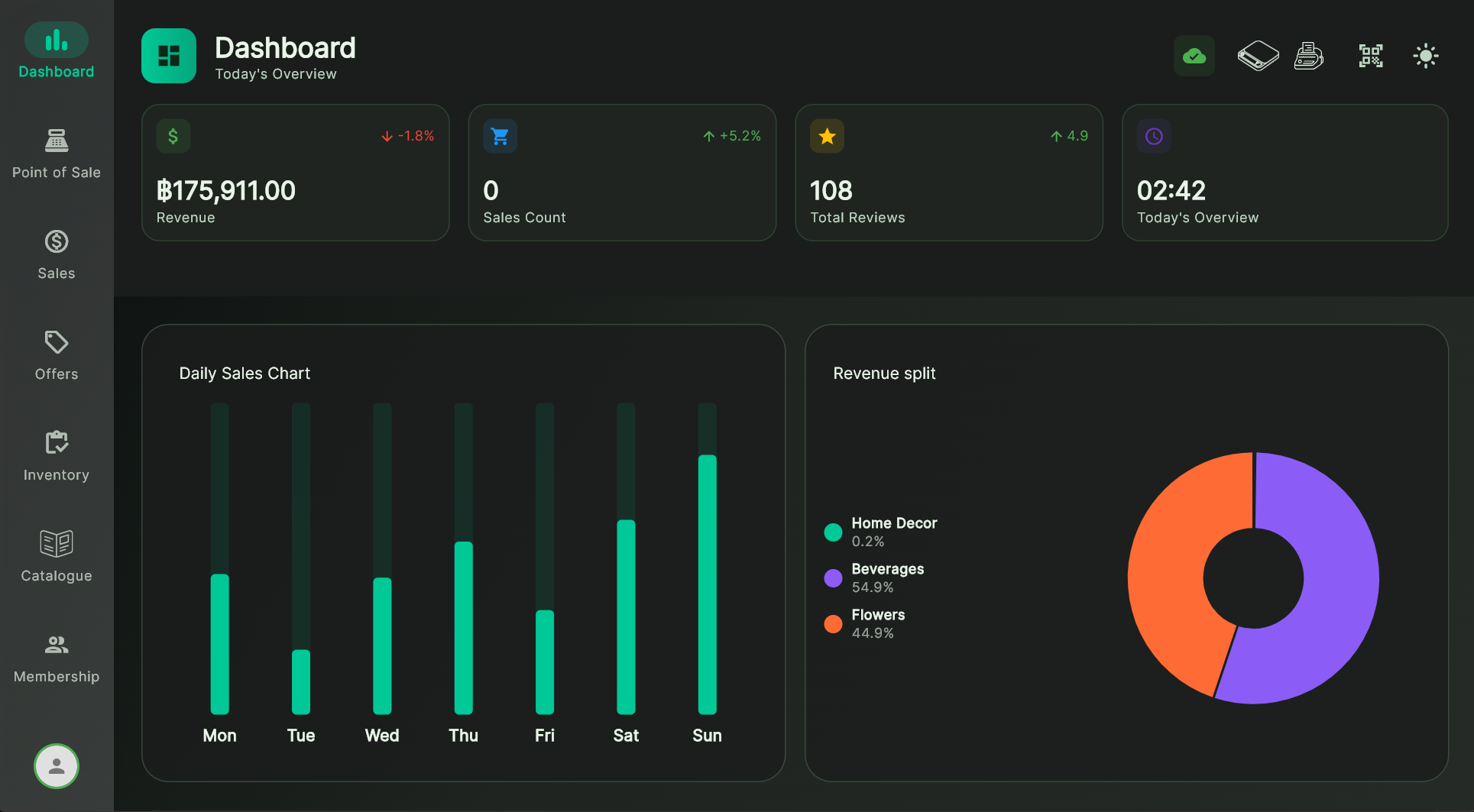
The ten criteria for the best cannabis POS
1. Weight-based pricing with live scale integration
If your store sells flower by the gram, the scale is part of the transaction. A cannabis retail POS that makes you type grams into a text field is a cannabis retail POS that will quietly create hours of reconciliation work every month. Look for native Bluetooth scale support — Acaia Lunar, Acaia Pearl, Acaia Pyxis — with the weight streaming straight into the line item and per-gram pricing calculated automatically.
Sanity check: ask the vendor for a 30-second video of a flower weigh-out. If they can’t produce one, the integration isn’t real.
2. Strain as a first-class entity
Cannabis POS software needs a proper Strain model — not a generic “product variant.” Strains have genetics, THC/CBD percentages, lab-test dates, effects, terpene profiles, batch/harvest data, and imagery. These fields must be queryable, reportable, and translatable, not crammed into a description text blob.
3. Compliance logging that writes itself
Every cannabis-legal jurisdiction requires per-sale records: what was sold, to whom, when, from what batch, by which staff member. The best cannabis POS software captures this at the moment of sale automatically. You should never be reconstructing compliance data from paper slips.
4. Offline-first architecture
Cloud-only POS platforms drop the moment your ISP hiccups. A real offline-first cannabis dispensary POS keeps working for hours or days without internet — local database, local auth, local hardware. Budy uses ObjectBox as the primary database on every device; the backend is a sync target, not the system of record. See our Budy vs Loyverse comparison for how this plays out on the shop floor.
5. Multi-terminal real-time sync
A single-terminal POS is only viable for a one-budtender shop. Any dispensary with two or more tills needs live sync between devices — inventory decrements, open tickets, member lookups — all visible on every terminal within a second of the change. Offline-first and multi-terminal sync are not the same feature, and you need both.
6. Member profiles, loyalty, and repeat-purchase tools
Dispensaries live on repeat customers. Look for member records tied to purchase history, age-verification-on-file, points or tier-based loyalty that applies at checkout automatically, and cart-aware offers (not just flat percent-off coupons).
7. Multi-location and multi-tenant architecture
Even if you run one store today, buying a POS that assumes you’ll stay at one store forever is a trap. The best cannabis POS software separates master catalogue from store instance, lets you push pricing rules top-down or bottom-up, and syncs member databases across locations. Multi-location dispensary management should be a configuration, not a migration.
8. Label printing and barcode scanning
Cannabis compliance often requires printed labels on jars and packages — strain, weight, batch, SKU barcode. Your POS needs native thermal label printer support (Niimbot is our default) with editable templates, and scanner input that works with whatever barcode hardware you own. See the Bluetooth scale and label printer integration guide for how this stitches together.
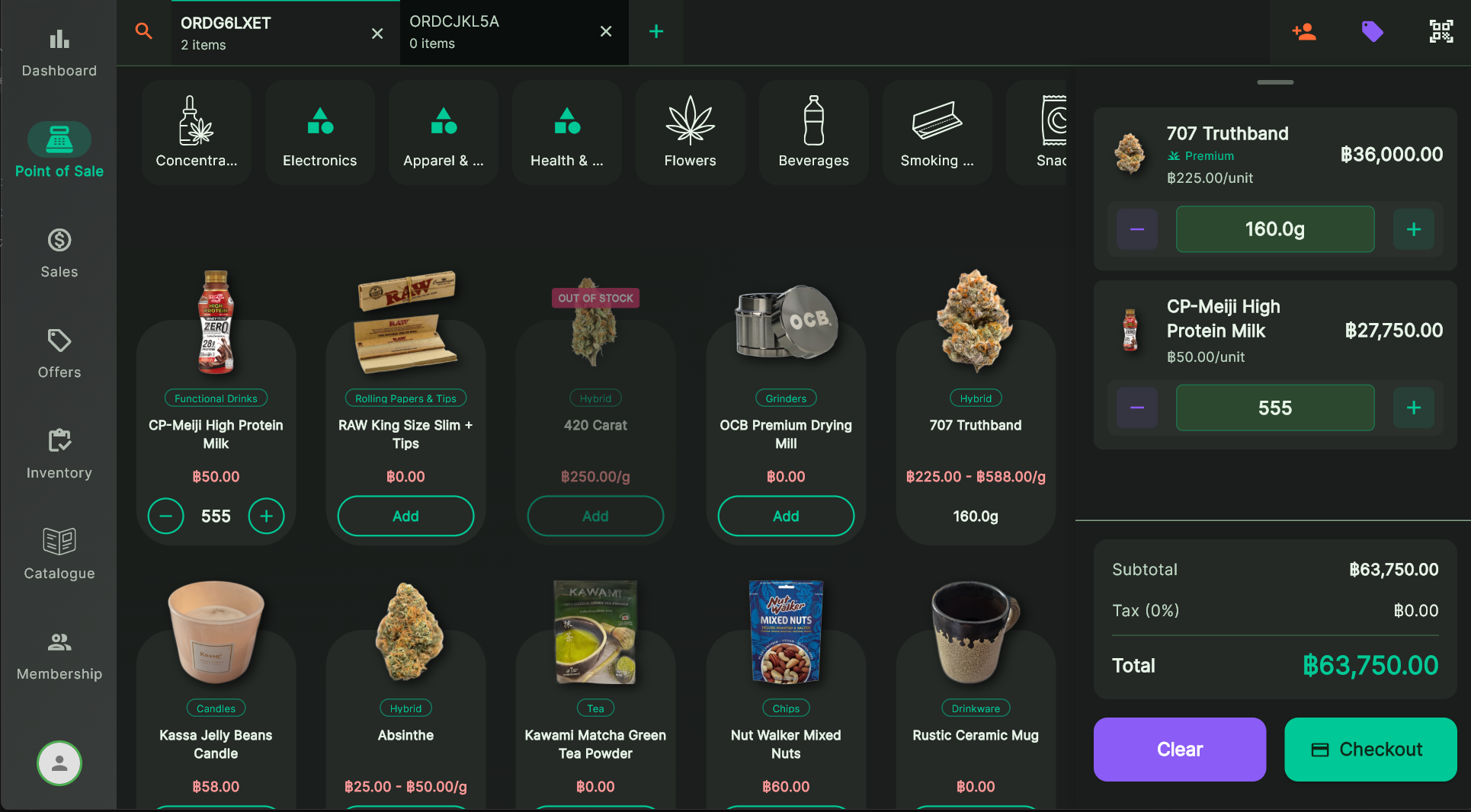
9. Modern AI features that actually save time
Agentic AI is the single biggest shift in retail software in 2026. The best cannabis POS platforms use it for three concrete jobs: onboarding new products from a photo (the AI Smart Scanner), auto-translating menus for bilingual stores, and pulling strain metadata from grounded web research. If a vendor’s “AI” amounts to a chatbot that summarizes yesterday’s sales, that’s not AI — that’s a feature a spreadsheet has had since 1985.
10. Honest pricing and exit terms
A POS that locks you into a proprietary payment processor, hardware bundle, or multi-year contract is not your friend. Ask about data export, hardware portability, cancellation, and whether your member database is something you can walk out the door with.
At-a-glance: what a specialty cannabis POS delivers vs a generic POS
| Criteria | Specialty cannabis POS | Generic retail POS |
|---|---|---|
| Weight-based pricing + live scale | ✓ | ✗ |
| Strain as a first-class entity | ✓ | ✗ |
| Compliance logs per sale | ✓ | Partial |
| True offline-first mode | ✓ | Cache only |
| Real-time multi-terminal sync | ✓ | Varies |
| Member and loyalty tools | ✓ | Basic |
| Multi-location architecture | ✓ | Add-on |
| Label printer + scanner support | ✓ | Receipt only |
| Built-in AI agents | ✓ | ✗ |
| Exportable data + no processor lock-in | ✓ | Varies |
Not every cannabis POS that markets itself as “specialty” actually clears all ten. The point of the table isn’t to score vendors — it’s to give you a checklist to press each one against during a demo.
What to ask in a demo
Three questions cut through most marketing.
- Can you show me a flower weigh-out, right now, on real hardware? If the scale integration is native, this takes two seconds. If it isn’t, you’ll get a five-minute detour about “partner certification.”
- What happens when the internet drops? Make them disconnect the Wi-Fi during the demo. A real offline-first cannabis POS will shrug; a cloud-only one will show a spinner.
- Show me how a new SKU gets onboarded. Watch for manual typing vs an AI-assisted flow. Over a year, this difference is measured in staff-days saved.
Where Budy fits
We built Budy because the cannabis POS software we saw in the field was either generic retail bent into cannabis shape, or compliance-first systems that treated the shop floor as secondary. Neither works well under a Friday-night queue.
Budy ticks all ten criteria on this list: native Acaia scale integration, first-class Strain entity, real-time compliance logging, ObjectBox-backed offline mode, multi-terminal sync, member loyalty, multi-tenant architecture, Niimbot label printing, a working AI Smart Scanner, and exportable data with no payment-processor lock-in.
That said, we’re honest about where we’re still growing: third-party integration marketplace depth, legacy community resources, and niche regional compliance modules are areas where older vendors have a lead. For most operators in 2026, the trade is worth it.
The short version
The best cannabis POS software in 2026 is the one that treats cannabis as the primary use case — not as a skin on a retail core, and not as a compliance form with a cash drawer attached. Weight-based pricing, strain-first modelling, offline resilience, multi-terminal sync, loyalty, labels, AI, and honest pricing. Press every vendor you evaluate against those eight things.
If you want to see what this looks like in practice, get in touch and we’ll walk you through a live demo on real dispensary hardware. The AI Smart Scanner deep dive and the Bluetooth scale integration page are good starting points for the features we’re proudest of.