Why Every Cannabis Dispensary Needs a Purpose-Built POS
Running a cannabis dispensary without a purpose-built POS is expensive, slow, and compliance-risky. What the right retail POS actually fixes on the shop floor.

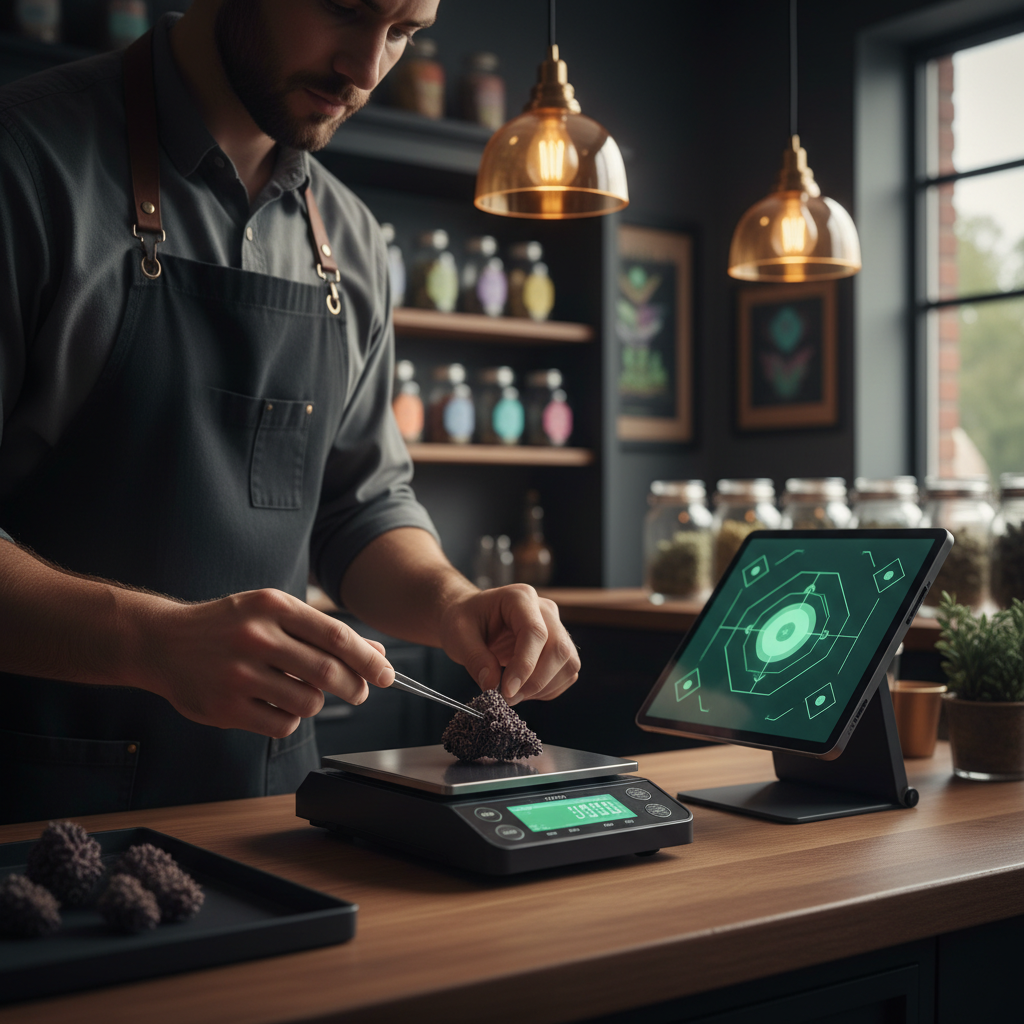
There’s a quiet truth about running a cannabis dispensary: most of the daily pain is not in the product — it’s in the paperwork around the product. Weighing flower to the tenth of a gram. Tracking which jar came from which batch. Pulling a customer’s purchase history to honor their membership tier. Reconciling cash at close. Justifying a lower-than-expected inventory count to the compliance officer.
A good point of sale doesn’t remove those obligations. It collapses them into a single system that does the bookkeeping for you, in real time, while you focus on the customer. A bad POS — or worse, no POS, just a spreadsheet and a cash drawer — multiplies every one of those tasks into a separate manual process, and the errors compound.
Here’s what a purpose-built cannabis POS actually fixes.
1. Weighing becomes part of the sale, not a separate step
If you sell flower by weight, the scale is not a “nice-to-have” integration. It’s the heart of the transaction. A customer picks a strain, you scoop it, you weigh it, you price it, you ring it up. That’s four steps if they happen on four devices. It’s one step if your POS reads the scale directly.
With a Bluetooth scale integration like Budy’s Acaia Lunar support, the gram reading streams straight into the line item. The price calculates itself based on the per-gram pricing of the strain. The receipt shows the exact weight and the price per gram. There’s no transcription error, no math under pressure, no “wait, was that 3.7 or 3.1 grams?”
The same applies to pre-rolls by count, edibles by unit, concentrates by weight. Each SKU type has its own natural unit of sale, and the POS should respect that instead of forcing you into a generic “quantity × price” box.
2. Compliance data writes itself
Every cannabis-legal jurisdiction — Thailand, California, Germany, Canada — asks dispensaries to keep records of what was sold, to whom, when, in what amount, from what batch. If you’re reconstructing that record at the end of the day from paper slips and a cash drawer, you’re working for the regulator. If the POS captures it automatically at the moment of sale, you’re working for the customer.
The right POS ties each line item to:
- The strain and its lab-test metadata (THC, CBD, harvest date).
- The batch or lot the product came from, for seed-to-sale traceability.
- The customer (if they’re a member), for age verification and purchase-limit checks.
- The staff member who rang it up, for accountability.
- The exact timestamp and any discounts or offers applied.
None of this is information you need to type. It’s already in the system. The POS just has to connect the dots at checkout. When the audit arrives, you pull a report. You don’t rebuild history.
3. Inventory reflects reality — not yesterday’s reality
The classic dispensary problem: a budtender sells the last jar of a popular strain, forgets to update the spreadsheet, and the next customer is told you have it when you don’t. Or worse: two budtenders each sell the “last” eighth from the same jar, and now you’re short.
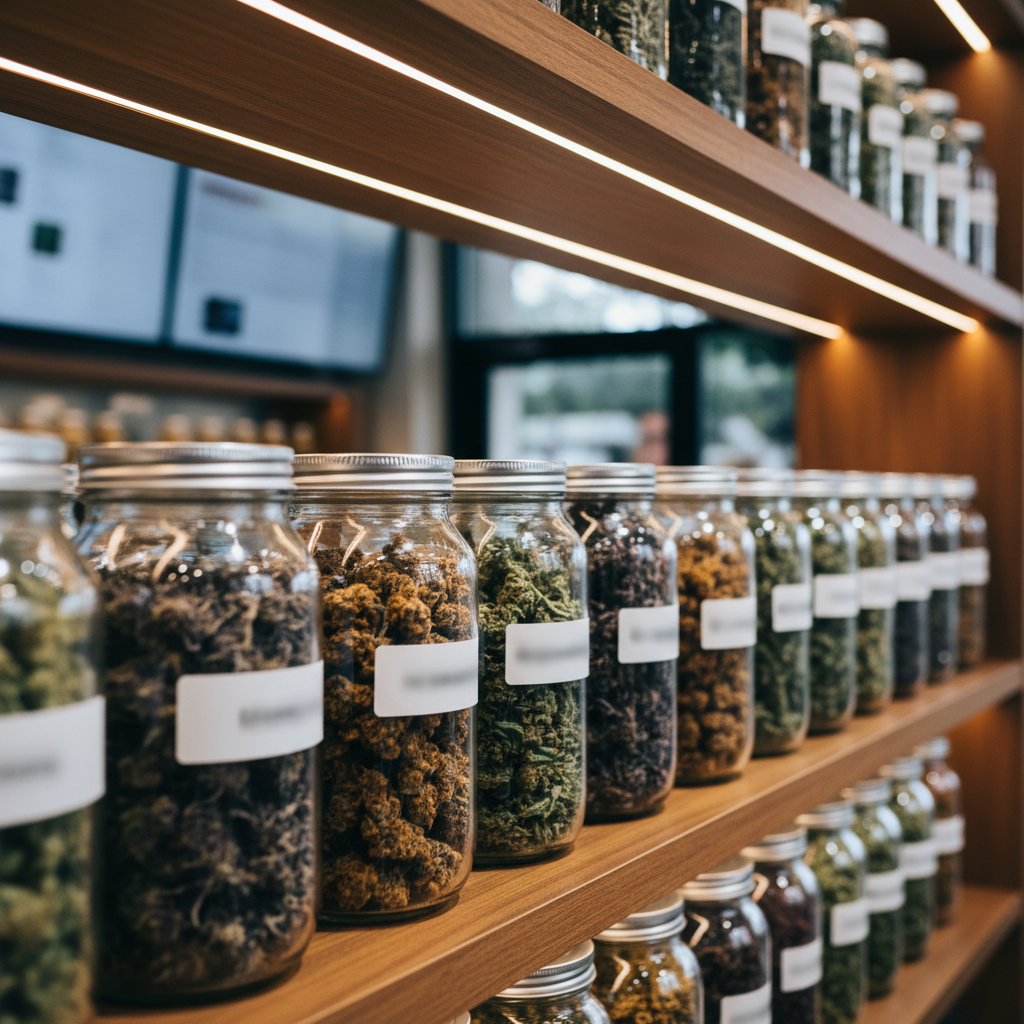
A POS that updates inventory in real time as each sale clears fixes this. The front-of-house app on every budtender’s tablet sees the same stock count. The back-of-house inventory app sees the same count. The web shop, if you have one, sees the same count. Online order for a strain that just sold its last eighth in-store? The shop blocks it before the customer checks out.
This matters even more when you run multiple devices at once. On a busy Saturday with three budtenders working three customers in parallel, the POS has to keep all three transactions consistent. Offline-first design — where each device has its own local database and syncs with the others — is what makes that actually work. A cloud-only POS that drops the connection for thirty seconds during a rush is a POS that creates reconciliation pain later.
4. Members, loyalty, and repeat business stop being an afterthought
Dispensaries live on repeat customers. The median customer of a well-run dispensary buys five to fifteen times a year. That’s a recurring relationship, not a transaction. But the only way to treat it like a relationship is if the POS knows who the customer is, what they bought last time, what they liked, and what’s relevant to offer them today.
A purpose-built cannabis POS gives you:
- Member profiles with purchase history and preferences.
- Loyalty points, tiers, and rewards that apply automatically at checkout.
- Targeted offers based on cart contents, member status, or time of day.
- Age verification on file, so you’re not re-checking an ID every visit.
Budtenders can greet a member by name, see “they usually go for a Sativa” at a glance, and make a relevant recommendation in three seconds instead of thirty. The POS does the remembering so the staff can do the conversation.

5. Onboarding new products stops being a data-entry job
Cannabis menus rotate constantly. New strains arrive. New concentrate brands come in. New edibles get stocked. If each new SKU takes fifteen minutes of typing — name, brand, category, attributes, description, photos, THC, CBD, effects, price tiers — you’ve added hours of back-office work to every restock.
This is exactly the problem agentic features solve. Budy’s AI Smart Scanner takes a photo of the product and extracts the structured data automatically. The Strain Researcher pulls THC/CBD and effects from grounded web research. Translations for bilingual menus happen automatically when the master record changes. Onboarding a new SKU goes from fifteen minutes to under a minute.
It sounds like a small thing. Across a year and a few hundred new SKUs, it’s dozens of hours of staff time back.
6. Closing the store takes minutes, not hours
Cash reconciliation, staff totals, shift reports, end-of-day summaries — all of these are derivative of what happened during the day. If the POS captured the sales accurately in real time, the close-of-day is a report button. If it didn’t, it’s a spreadsheet and a calculator and an argument.
The best thing about a properly-wired cannabis POS is the ritual at the end of the night: you pull the summary, you count the drawer, you match the numbers, you lock the doors. You go home. On a bad system, that same ritual takes an hour of spreadsheet work and a nagging feeling that something is off. Over a month, that’s twenty or thirty hours.

7. You can actually answer “how’s the business doing?”
Operators of small dispensaries often run on instinct because they don’t have the data to run on anything else. A purpose-built POS gives you, without you asking for it:
- Best- and worst-selling strains over any time window.
- Margin per category, per supplier, per shelf position.
- Hourly traffic patterns, so you staff the right number of budtenders at the right time.
- Member retention and repeat-purchase rate.
- Spoilage, shrinkage, and variance against expected inventory.
These numbers inform ordering, staffing, pricing, and promotion decisions. Running without them is like driving with the windshield fogged up — you can do it, but you’re working harder than you need to.
8. Scaling to multiple stores is a configuration, not a migration
If you’re running one store and everything is fine, the real question is: what happens if you open a second? On most generic POS systems, each store becomes its own island with its own data, and you start hand-syncing product catalogues, pricing, and member databases between them.
Multi-tenant cannabis POS systems are architected differently. The master catalogue lives once at the brand level. Each store syncs its copy. Pricing rules, promotions, and member databases can be store-specific or shared. When a new strain is approved at HQ, it appears in every store’s POS automatically.
You don’t need this on day one. But building on a system that assumes you’ll stay small forever is how operators end up replacing their POS eighteen months in.
The point
Running a cannabis dispensary is already hard. Compliance is tight. Margins are tight. Customer expectations are high. The POS is the one tool on the shop floor that touches every transaction — which means it’s the tool that either compounds your problems or quietly solves them all day long.
A purpose-built cannabis POS doesn’t make the work disappear. It makes the work invisible. The weighing happens automatically. The compliance data writes itself. The inventory stays accurate. The member gets remembered. The new SKU onboards in under a minute. The end-of-day close takes ten minutes. The business insights show up without anyone asking.
That’s what easier actually looks like.
If you’re running a dispensary and spending too much time on the paperwork around the product, get in touch. We’ll show you what the workflow looks like on Budy, and you can decide whether it fits. In the meantime, take a look at the Bluetooth scale integration or the AI Smart Scanner deep dive — both address specific time-sinks described above. And if you’re shopping around, our best cannabis POS software guide lays out the ten criteria we think matter most.